Firefly
Loading artwork…

Firefly
Private Server

A custom Growtopia private server built around Banner Events and original items. Build worlds, farm, trade with locks, fish, mine, battle pets, and earn Lunarium for character and item banners.

How to connect

Pick your screen.

Firefly features

Firefly-only systems and items.

World Locks and Diamond Locks still handle normal trading. Lunarium is only used for Firefly's Banner Events.

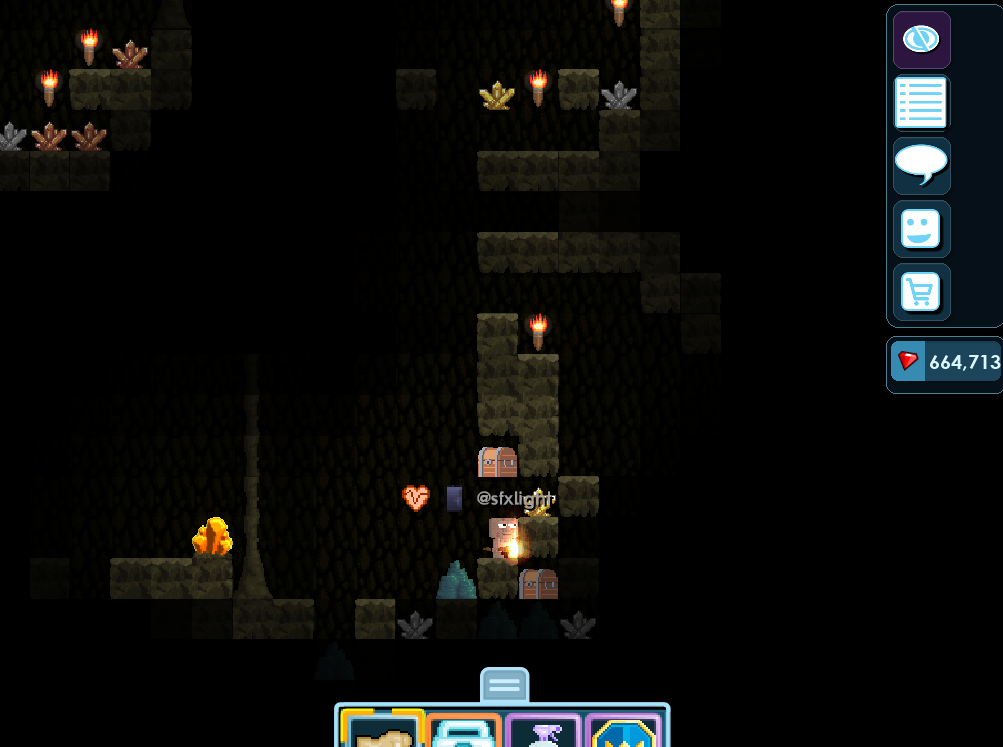
Pet Battle Use your pet to fight an NPC.Lunarium Spend it on character and item banners.Custom items Collect Firefly-made clothes, weapons, wings, effects, and companions.
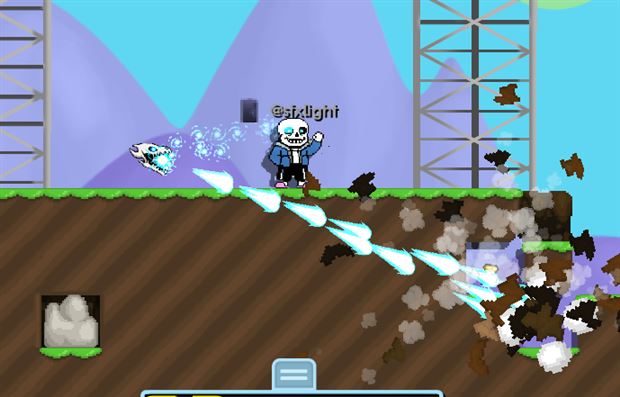
Player using a custom Firefly item during an in-game encounter
A custom item being used in-game.

Gameplay

Server features.

Banner Events use Lunarium. Farming, vending, fishing, and mining pay in locks. Seasonal events use separate currencies and exchange shops.

01

Character and item banners

Spend Lunarium on two types of Banner Event.

Character banners include characters such as The Herta. Item banners include equipment such as Firefly's Sword. You can roll with Lunarium or exchange Lunarium for Galactic Special Token.
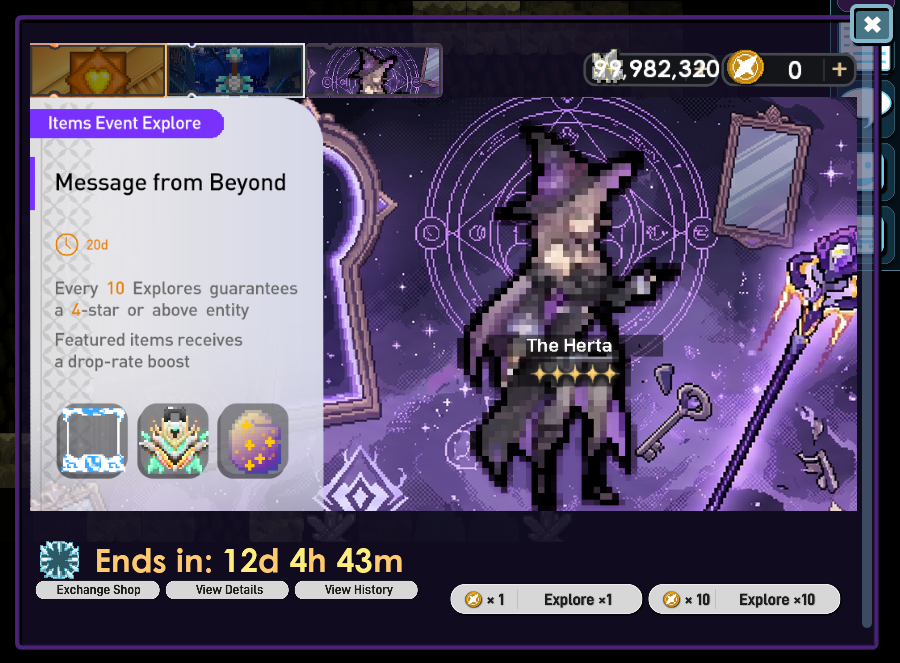
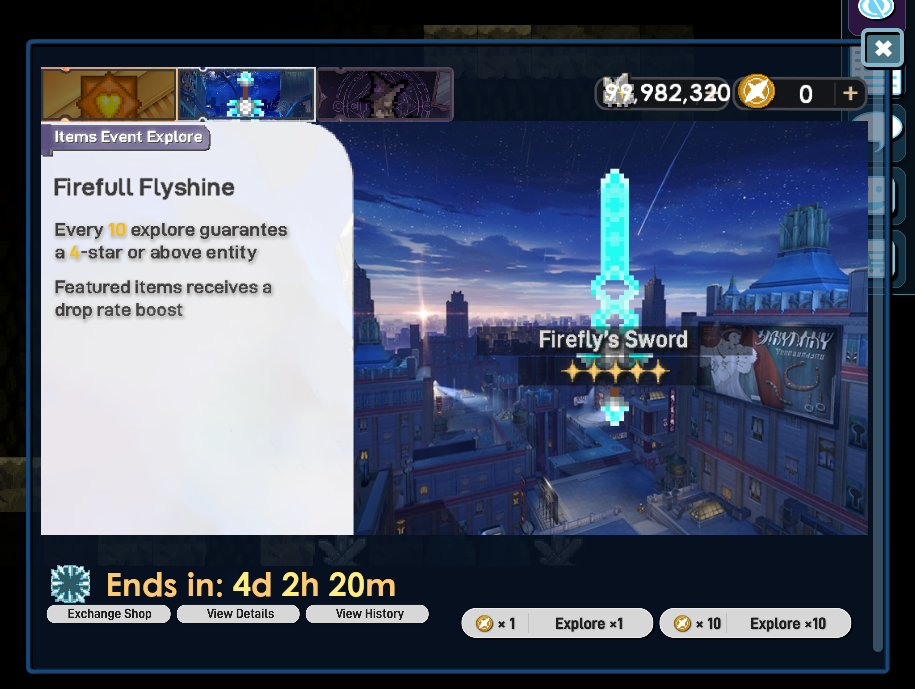
Character event menu featuring The Herta, reward details, and exchange controlsCharacter event menuWeapon event menu featuring Firefly's Sword and event controlsWeapon event menu
02

Automated Work and Seed Trader

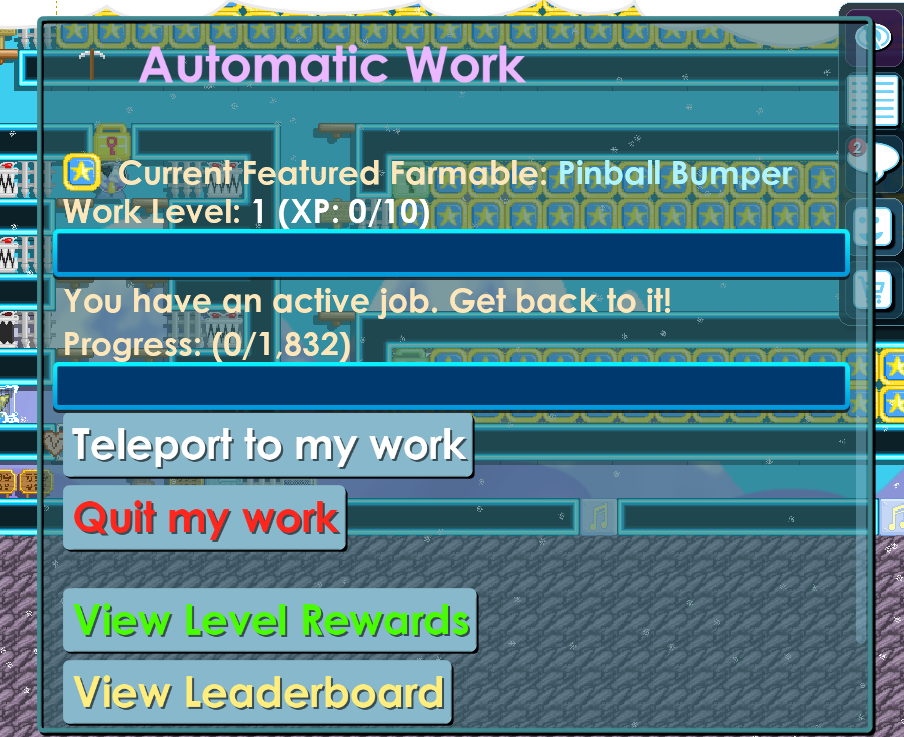
Break 12 farmable blocks and claim the reward.

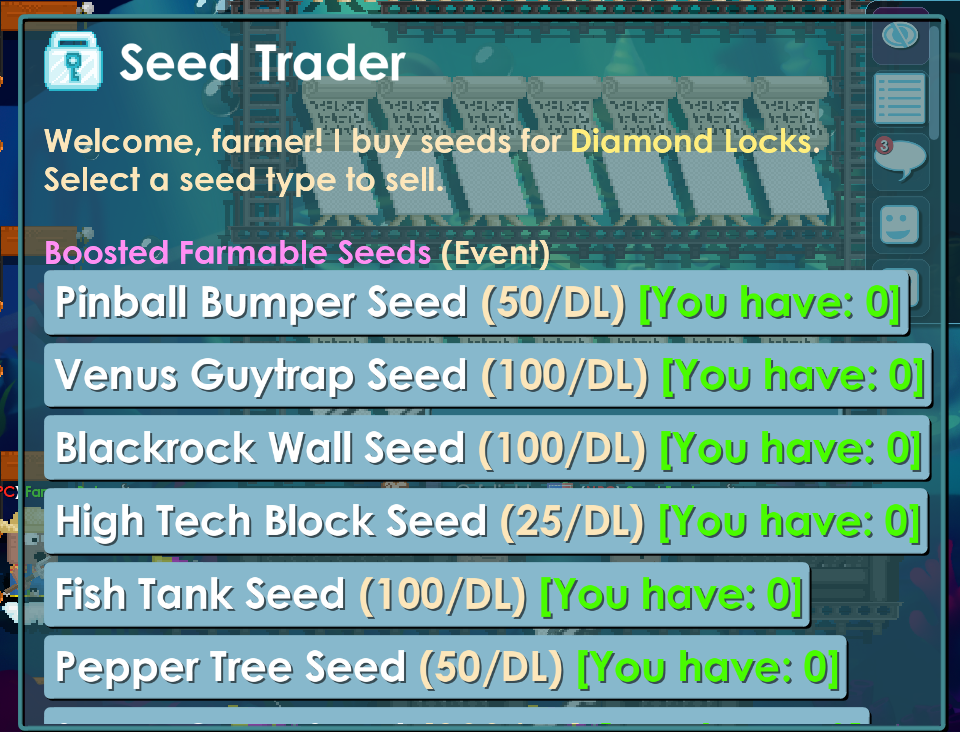
Start an Automated Work job and the server gives you the farmables to break. Finish all 12 blocks to complete the job. Extra farmable seeds can be sold to Seed Trader for Diamond Locks.

Seed Trader menu showing farmable seeds and Diamond Lock pricesSeed TraderWork progression menu showing level, experience, featured farmable, and rewardsWork progression
03

Vending, fishing, and mining

Earn and trade with locks.

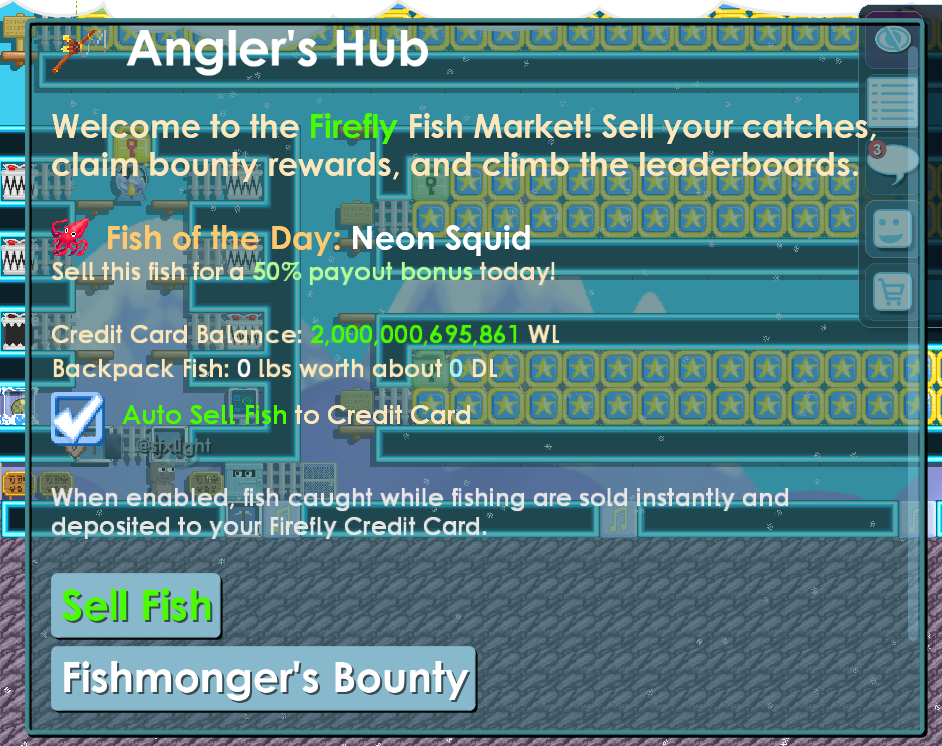
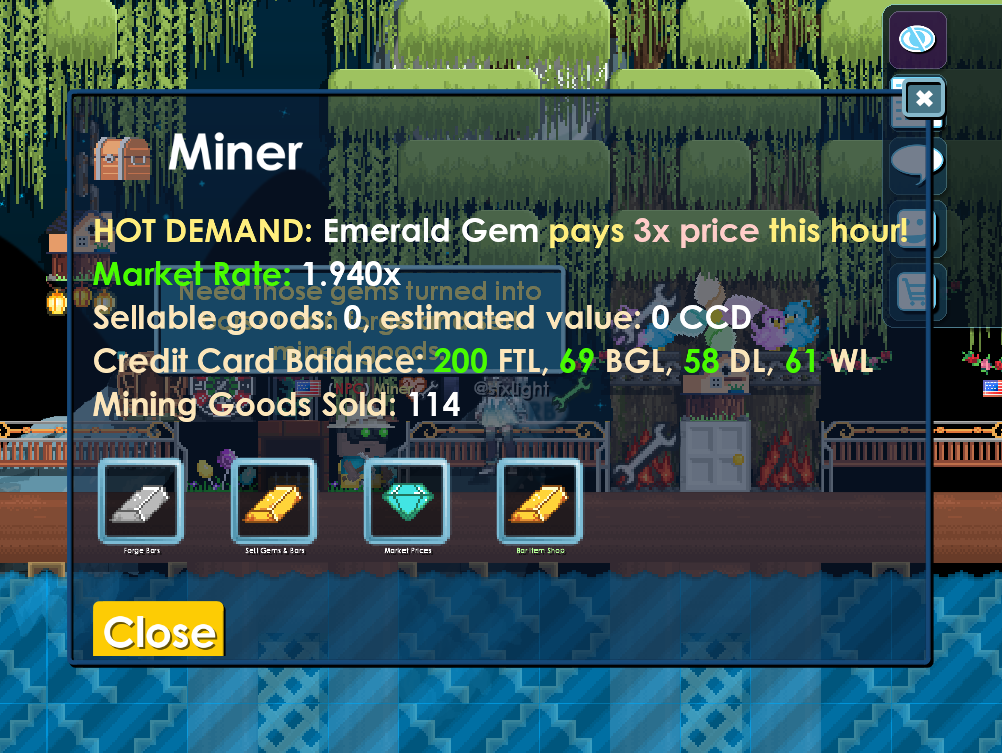
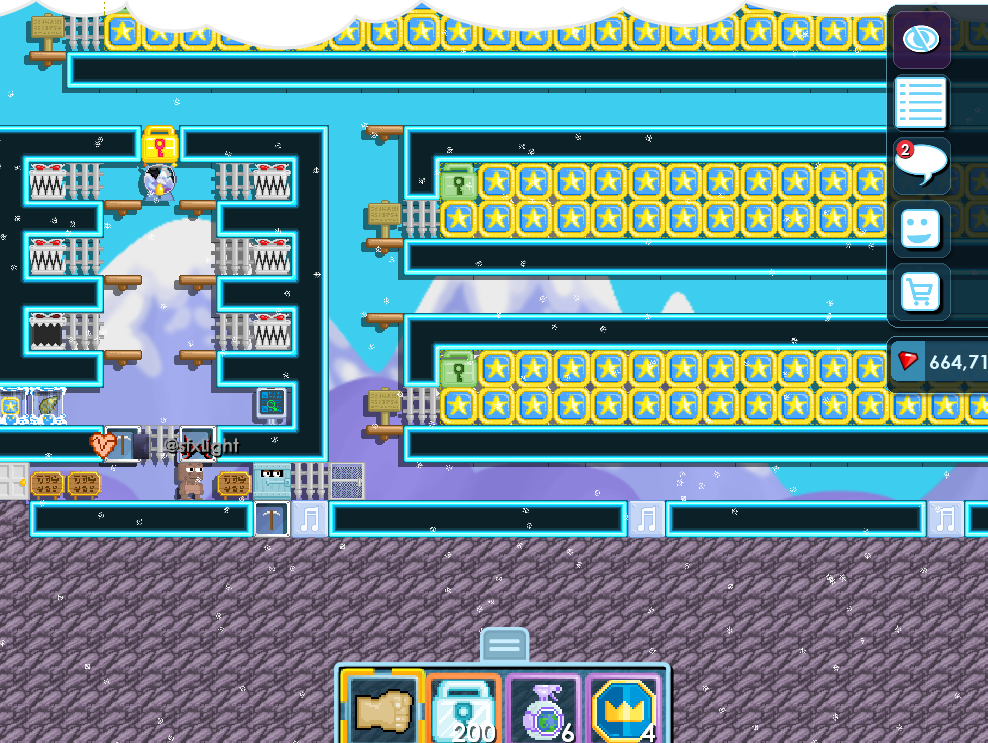
Stock Vending Machines in your own world and set prices in locks. Sell caught fish at Angler's Hub for Diamond Locks. Start a mining session to enter a cave world, mine iron, gold, diamond, and other minerals, then sell them for locks.

Firefly vending world with rows of vending machines and playersVending worldAngler's Hub menu showing fish sales, catch value, and bounty progressAngler's HubMiner menu showing sellable goods, demand information, and account balanceMining market
04

Seasonal events

Limited events add currencies and exchange shops.

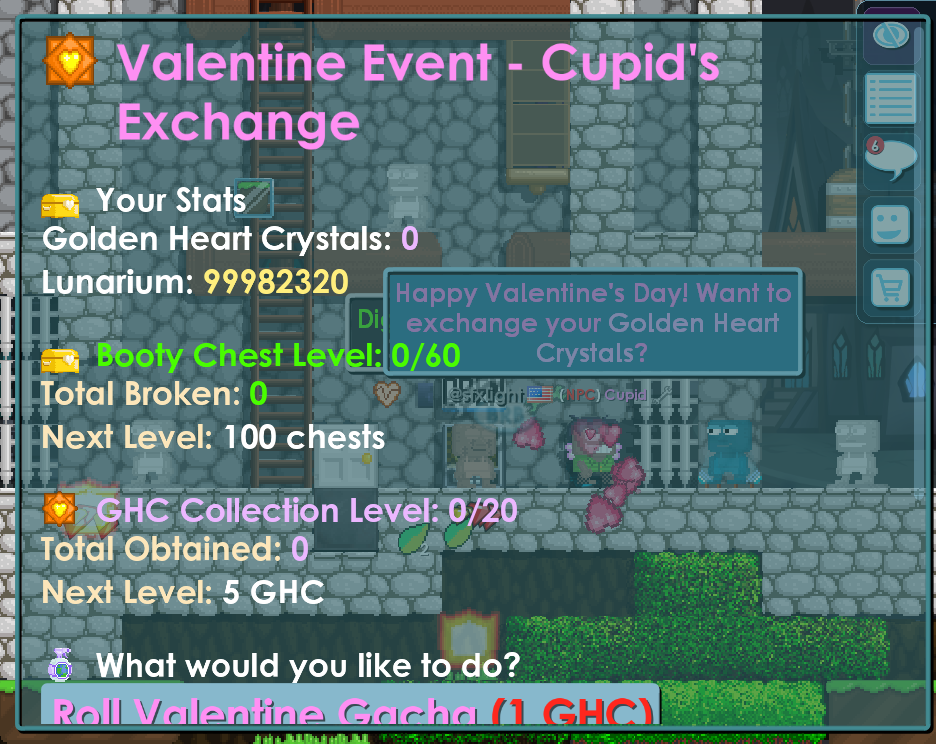
The Valentine Event is one example. It uses Golden Heart Crystals, Lunarium, an exchange shop, chest progress, block-breaking progress, and event rewards. The available event changes with the season.

Valentine event exchange showing event currency, chest progress, and rewardsSeasonal exchange examplePlayer moving through a custom Firefly event worldEvent world
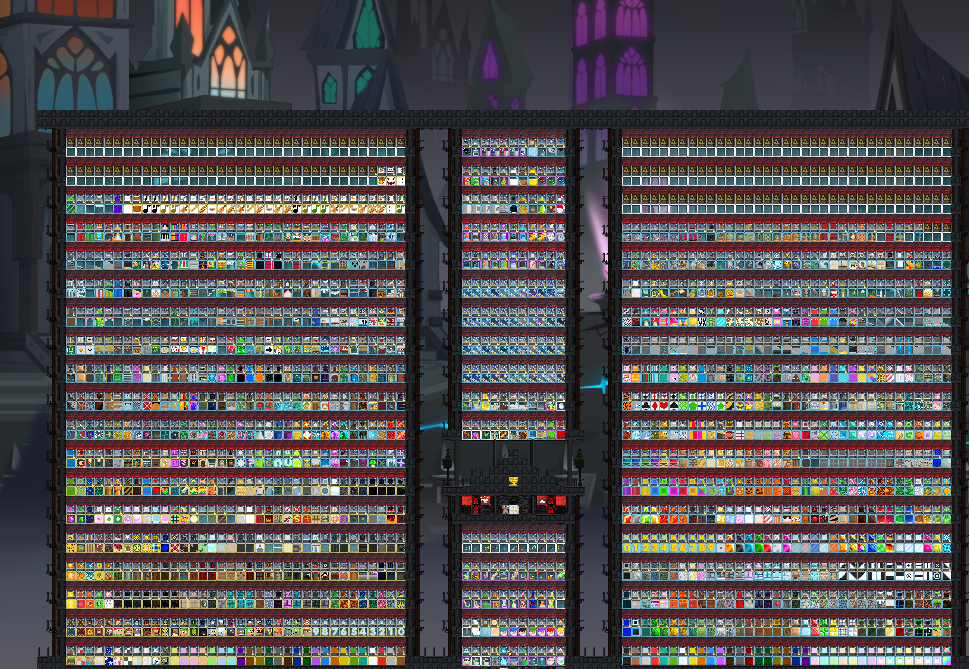
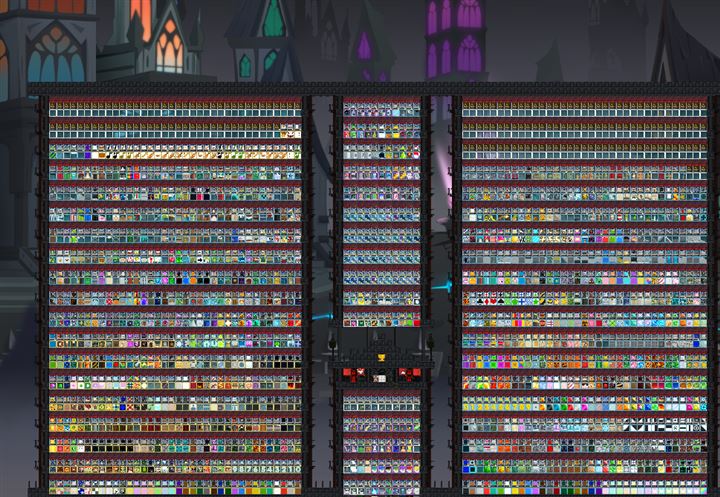
Firefly vending world filled with vending machines

Player marketplace

Vending worlds are built by players.

Players build shops, place vending machines, and trade with locks as the main in-game currency. RMT is allowed under Firefly rules, including trades involving Firefly Lock, Firefly Type IV Lock, and other eligible items.

View the full vending world

Custom items

Made for Firefly, worn in-game.

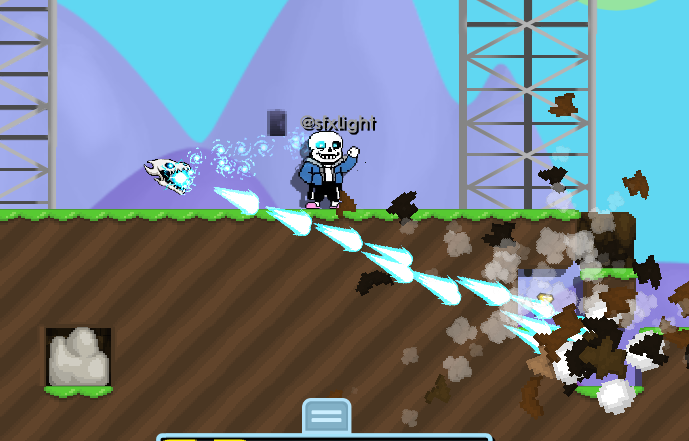
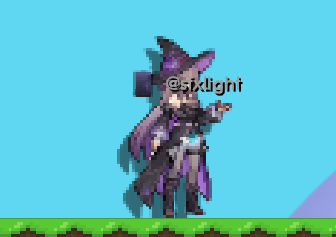
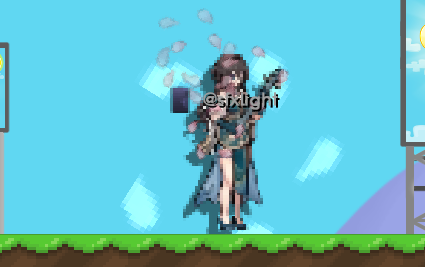
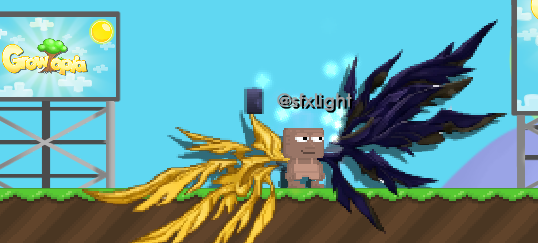
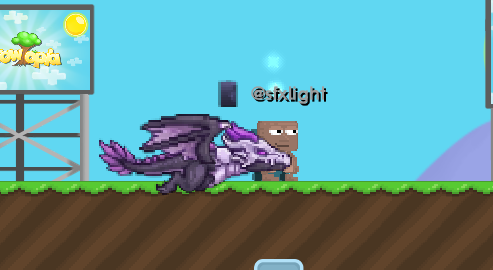
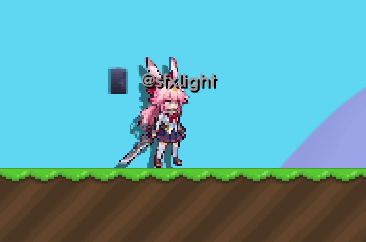
Firefly has custom clothes, weapons, wings, companions, and effects you will not find in normal Growtopia. These are a few examples players can collect and use.

Custom player look interacting with an in-game targetPurple custom player look with a floating visual effectCustom player look with a held item and water effectsCustom player look with a wide wing-like visual effectPlayer standing beside a large companionCustom player look holding a weapon

In-game screenshots

See the systems for yourself.

Getting started

Install, connect, and enter a world.

  1. 01

    Choose your platform

    Open the Android, Windows, iOS, or macOS guide.

  2. 02

    Complete one setup method

    Follow one method from start to finish. Do not combine instructions from different methods.

  3. 03

    Open Growtopia

    Connect to Firefly, enter a world, and start playing.

Firefly community

Join our community.

Get server announcements, event information, setup help, and talk with other Firefly players on Discord. WhatsApp is available as another community channel.

Is Firefly connected to Ubisoft or HoYoverse?

No. Firefly is an independent community project and is not endorsed by Ubisoft, Growtopia, HoYoverse, or Honkai: Star Rail.

Do I need to change my Growtopia password?

No. This website and the routing tools should not ask for your Growtopia password. Sign in only inside the game client you intentionally installed or kept.

Can I undo the setup?

Yes. Every platform guide includes a disconnect, removal, or hosts-file rollback section. Follow the undo steps for the method you used.

Where do I report a setup problem?

Use Discord and include your device, operating-system version, chosen method, and the exact step that failed. Never post a password.

Installation guides

Where do you play?

Pick the device that runs Growtopia. The full guide opens next.

AndroidFirefly ConnectorNo root required WindowsHosts fileAdministrator access iPhone and iPadSurge 5 profileiOS 16 or later macOSTerminal hosts fileAdministrator password